router-for-me /
CLIProxyAPI
Local proxy that serves CLI AI accounts as OpenAI, Gemini and Claude APIs
- 56k stars
- Go
- Updated today
- Some experience
- Coding agents & dev tools
Many AI coding tools come with their own command-line login, and each speaks a different API dialect. That makes it hard to use those accounts from your own scripts or from apps that expect a standard API.
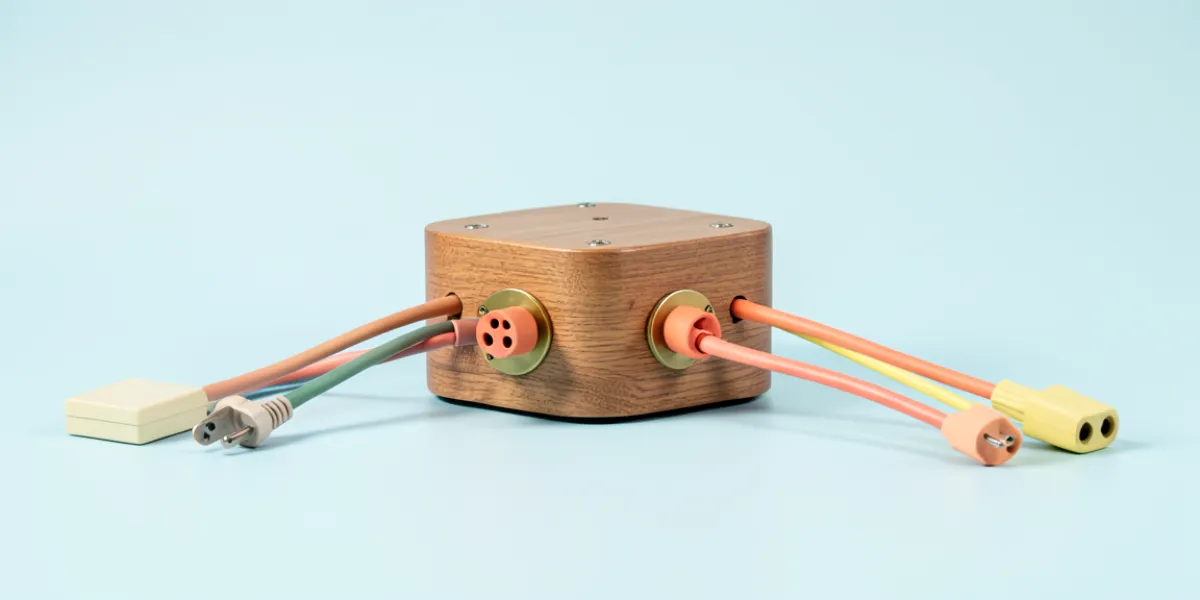
CLIProxyAPI runs as a local server. You sign in with your provider accounts, then point any OpenAI (including Responses), Gemini (including Interactions) or Claude-compatible client or SDK at it. It can hold several CLI accounts at once.
The README lists Kimi, OpenAI (including Codex OAuth), Anthropic Claude, Google Gemini (API, AI Studio, Vertex AI, Gemini CLI, Antigravity), xAI Grok, Meta Muse and Devin. Which models you get depends on the account and channel. The part of the README provided is mostly provider and sponsor listings and has no install steps. A separate desktop client, EasyCLIProxyAPI, adds a graphical setup.
What it does
Several API dialects
Offers OpenAI (including Responses), Gemini (including Interactions) and Claude-compatible interfaces, so existing clients and SDKs can connect.
Many providers
Covers Kimi, OpenAI Codex, Claude, Gemini and Antigravity, Grok, Meta Muse Code and Devin accounts.
Multiple accounts
Supports several CLI accounts at once, reached locally through one server.
Flexible sign-in
Uses OAuth or API keys depending on the provider. Devin accounts connect with the --devin-login flag.
Desktop client
EasyCLIProxyAPI provides a configuration UI, automatic updates, a system tray icon and one-click start and stop.
What you could build
- Point an OpenAI-compatible app at your Codex or Gemini CLI login through one local endpoint.
- Use Claude-compatible tools with models from other providers by routing them through the proxy.
- Spread requests across several CLI accounts from a single address.
- Test the same script against different providers' models without changing the client code.
- Run the proxy from a desktop app with a tray icon instead of the command line.
Get started
The README excerpt gives no install commands. Check the repository's full documentation, or try the EasyCLIProxyAPI desktop client for a graphical setup, then sign in to your providers and point your client at the local server.
Commands are copied from the project's README. Read it on GitHub for the full setup.
More in Coding agents & dev tools
 rea
MCP server that lets AI agents reverse engineer apps, binaries and websites locally
rea
MCP server that lets AI agents reverse engineer apps, binaries and websites locally
 opencode
Open source AI coding agent for your terminal, with a beta desktop app
opencode
Open source AI coding agent for your terminal, with a beta desktop app
 claude-code
Terminal coding assistant that reads your codebase and takes plain-English commands
claude-code
Terminal coding assistant that reads your codebase and takes plain-English commands
 codex
A coding agent from OpenAI that runs in your terminal on your own machine
codex
A coding agent from OpenAI that runs in your terminal on your own machine
 pi
A minimal terminal coding agent you extend with skills, extensions and packages
pi
A minimal terminal coding agent you extend with skills, extensions and packages
 orca
Desktop and mobile app for running many coding agents side by side
orca
Desktop and mobile app for running many coding agents side by side
 Understand-Anything
Turns a codebase or wiki into an interactive graph you can search and ask questions about
Understand-Anything
Turns a codebase or wiki into an interactive graph you can search and ask questions about
 screenshot-to-code
Turns screenshots, mockups and screen recordings into front-end code with AI models
screenshot-to-code
Turns screenshots, mockups and screen recordings into front-end code with AI models
 warp
Rust terminal that adds a built-in coding agent and runs other CLI agents
warp
Rust terminal that adds a built-in coding agent and runs other CLI agents
 free-claude-code
Local proxy that lets Claude Code, Codex, Aider and others run on free or cheap models
free-claude-code
Local proxy that lets Claude Code, Codex, Aider and others run on free or cheap models